How AI Splits a Flat Image into Layers
What a layer decomposition model actually does with your picture: finding the parts, repainting what was hidden, and returning a stack of transparent layers.
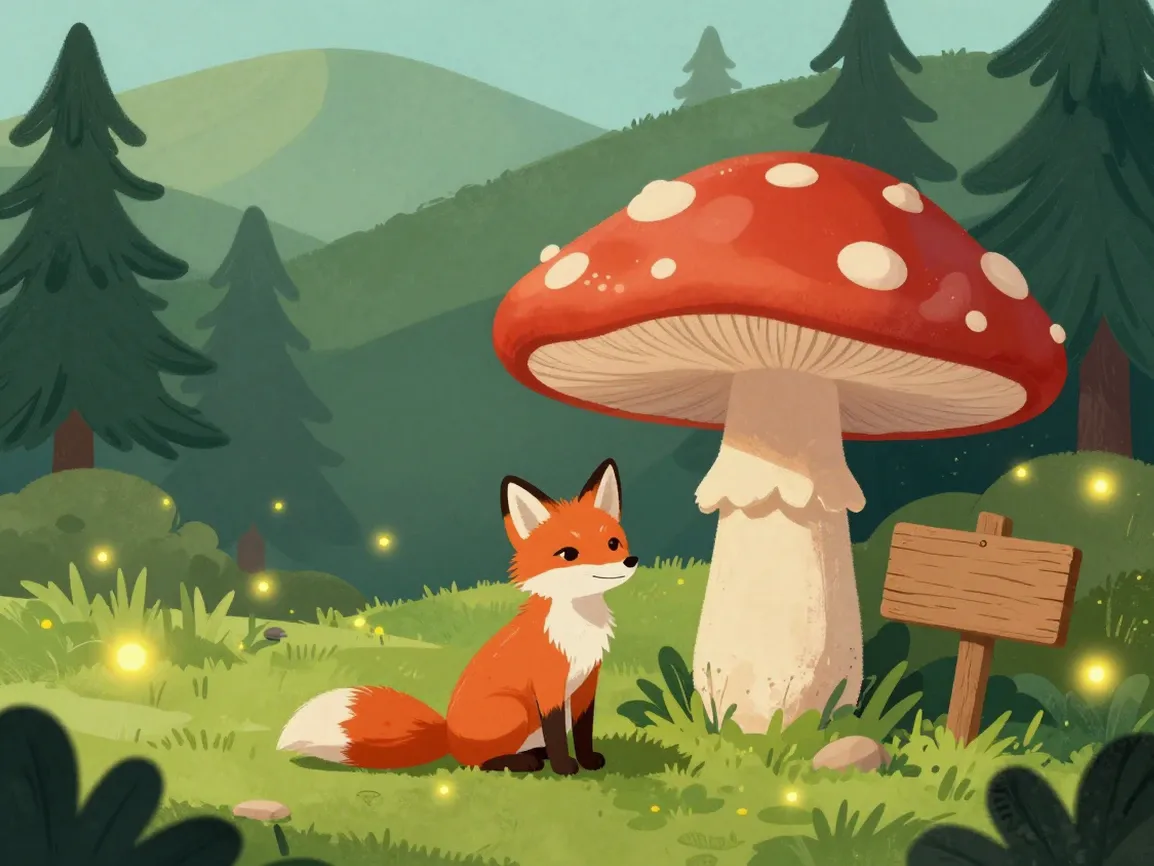
A PNG or JPG stores one colour per pixel. There is no record of which pixels belong to the sky, which to the person standing in front of it, and which to the headline printed over both. Splitting an image into layers means rebuilding that missing structure. Here is what happens between your upload and the stack of layers you get back.
1. Reading the picture as things in front of each other
The model reads a flat picture as a stack: a backdrop at the back, objects standing on it, and text or effects laid over the top. Layer decomposition models such as Qwen-Image-Layered (Alibaba's Qwen model) and Seedream 5.5 (ByteDance's image model) plan it the way a designer would. It decides how many separate parts the image really has, up to the number you asked for.
2. Drawing each part on its own sheet
Each part is drawn as its own image with a transparent background, an RGBA layer. A product becomes a product with nothing around it; its shadow may become a second, mostly transparent layer; a headline becomes the letters alone.
3. Repainting what was hidden
This is the step a cutout tool skips. Where an object covered the background, the model paints in what was probably behind it, so the background layer is whole. That is why you can drag the subject sideways in the studio and the backdrop does not show a hole.
4. Stacking them in order
The layers come back bottom first. Laid on top of each other in that order, at their positions, they add back up to your picture. Some models return every layer at full canvas size; others return each part cropped to its own box, with its position. The studio places both kinds the same way, so the PSD lines up either way.
Why the result varies by picture
- Clear edges split crisply. Posters, product shots, icons, UI mockups and flat illustrations have parts with obvious boundaries.
- Soft edges stay soft. Hair, smoke, glass and motion blur keep the soft transition they had in the picture.
- Crowds can group. In a busy photo, several neighbouring things can share a layer. Splitting that one layer again breaks it down further.
Try it on your own image
The Qwen-Image-Layered page runs a split in the browser and lets you open the layers in an exploded view, so you can see exactly what landed where. A split into up to 4 layers costs 80 credits.
Split one of your own images
Upload an image, pick 4 or 8 layers and download a layered PSD. New accounts get free credits for a first split.